Problem
Customer-development work was producing meetings, leads, names, and follow-ups faster than the team could reliably track them by memory and scattered notes alone.
Product management proof
I built a CRM and automation layer so the team could keep up with a growing volume of meetings, leads, names, and follow-ups without relying solely on memory and scattered notes.
Problem
Customer-development work was producing meetings, leads, names, and follow-ups faster than the team could reliably track them by memory and scattered notes alone.
What I owned
I built the HubSpot, Notion, and n8n system that connected lead records, meeting context, follow-up obligations, and customer-learning signals.
Result
The team could see next actions, preserve relationship context, and follow up on business-development opportunities with less manual reconstruction.
Certain identifying details and artifacts have been omitted or generalized to preserve confidentiality.
I noticed that we could miss customer follow-ups when their context was spread across tools. Relationship context was accumulating across conversations, notes, documents, and manual follow-ups, and the team needed a better way to keep track of it.
Pilot relationships needed a clearer path from first contact to follow-up, tailored proposal development, conversion, and structured learning.
The problem was not simply that there were too many tasks. The team needed a shared record of who we had spoken with, what they cared about, what should happen next, and which opportunities deserved more attention.
As the customer-development work matured, the operating question also changed. Volume was not enough. The team needed a way to turn conversations into structured learning about pains, objections, budget authority, persona fit, and which relationships were actually moving toward commitment.
I took the initiative to turn that context into a shared system instead of leaving it inside scattered notes and individual recall.
I designed a repeatable operating system across HubSpot, Notion, and n8n. The workflow connected relationship context, pipeline status, follow-up routines, and pilot materials so that customer-development work was easier to track and advance. I also built targeted automations for recurring tasks where structure and context could improve follow-up quality and reduce the chance that customer signal stayed trapped in individual memory.
In practice, I was building the CRM and automation layer behind the pipeline. The system had to preserve enough context for better follow-up without making the team maintain a heavy process for its own sake.
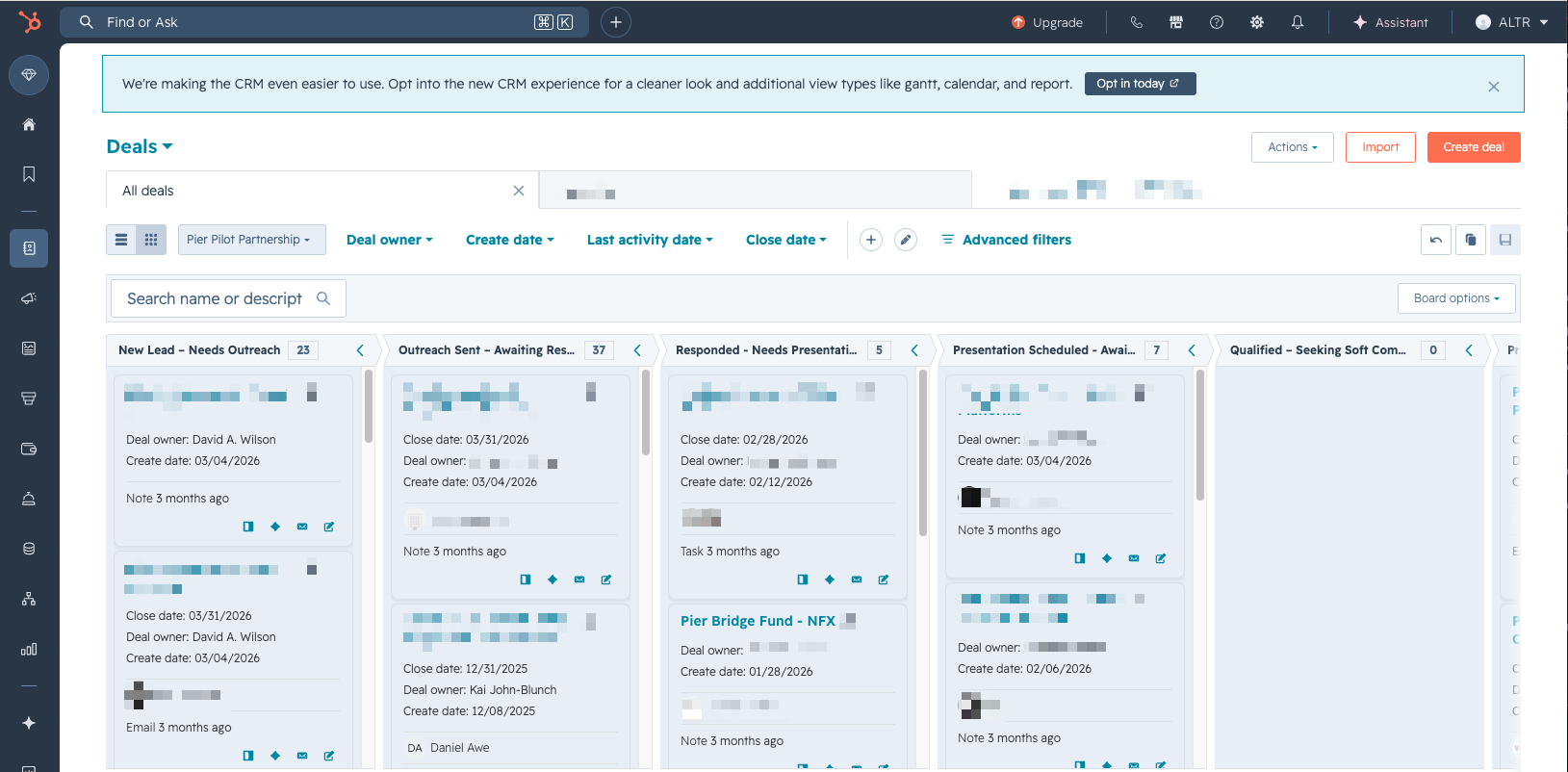
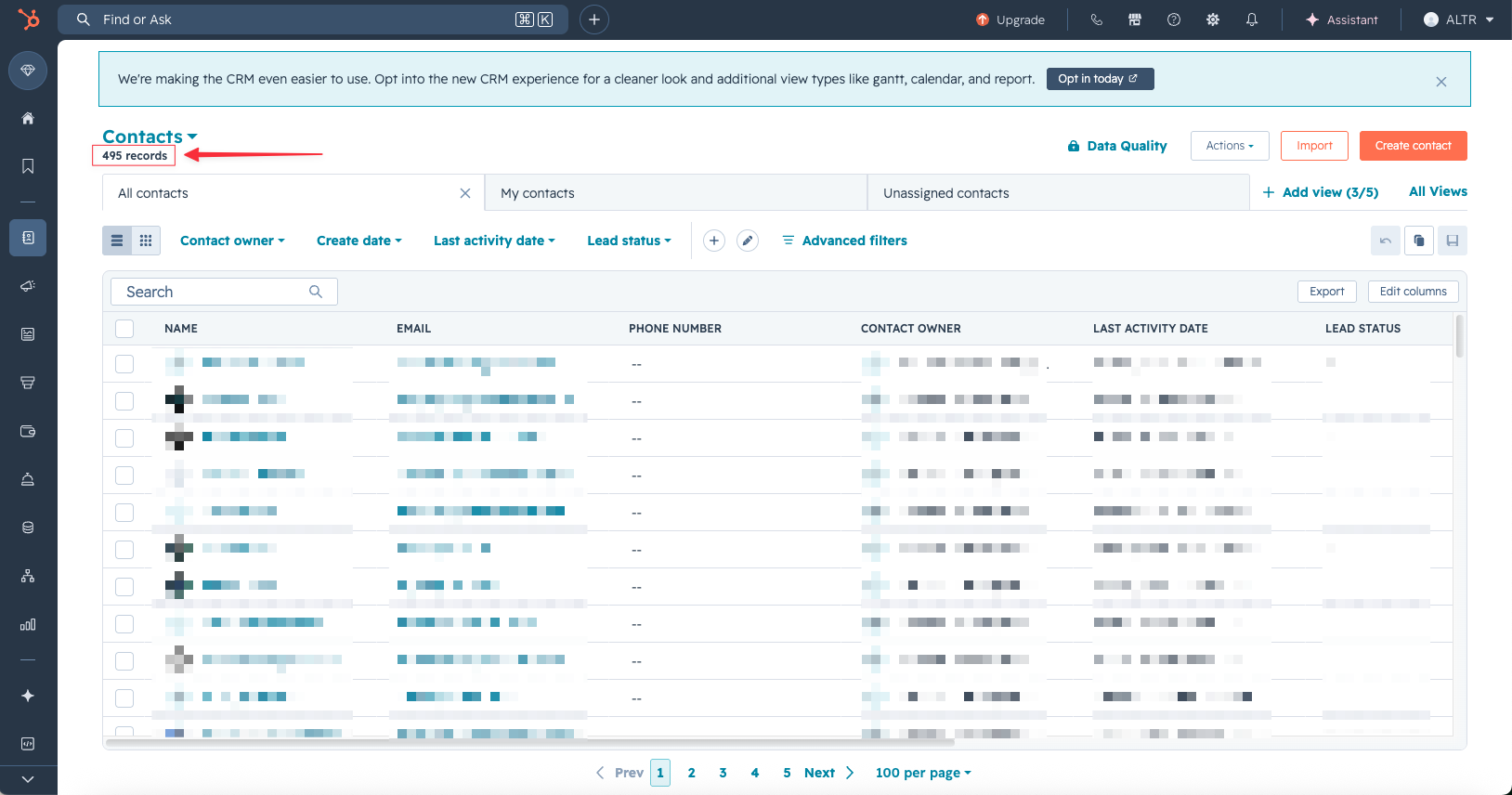
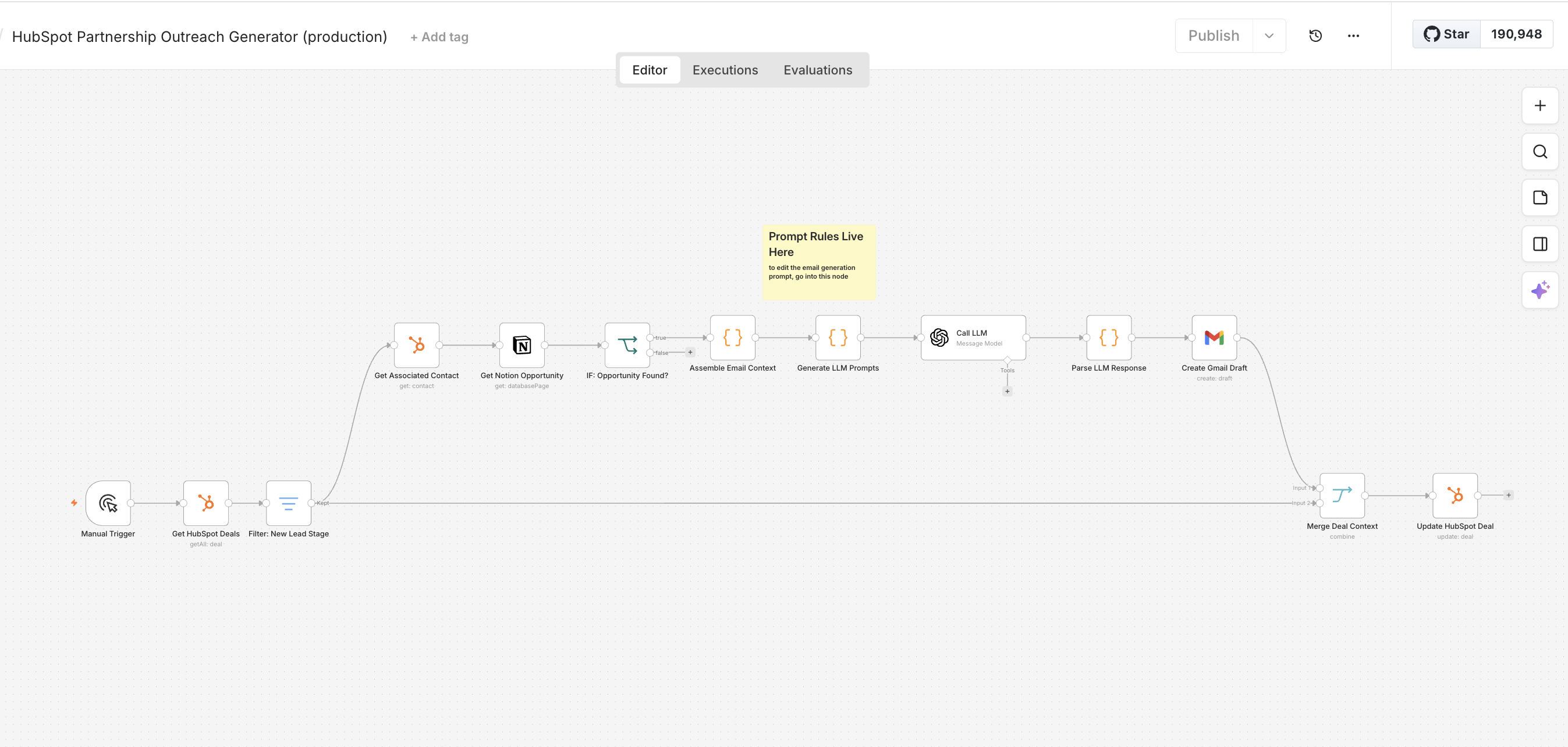
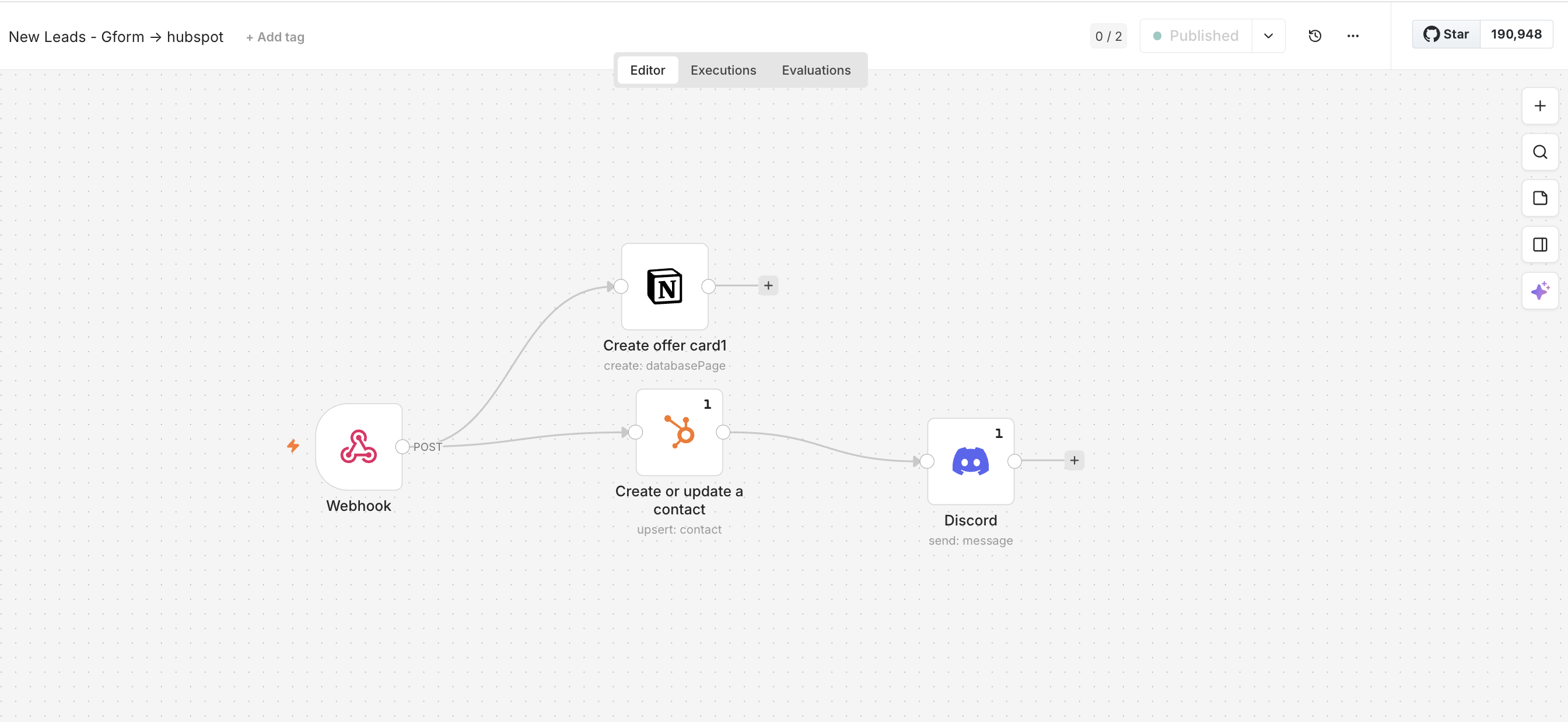
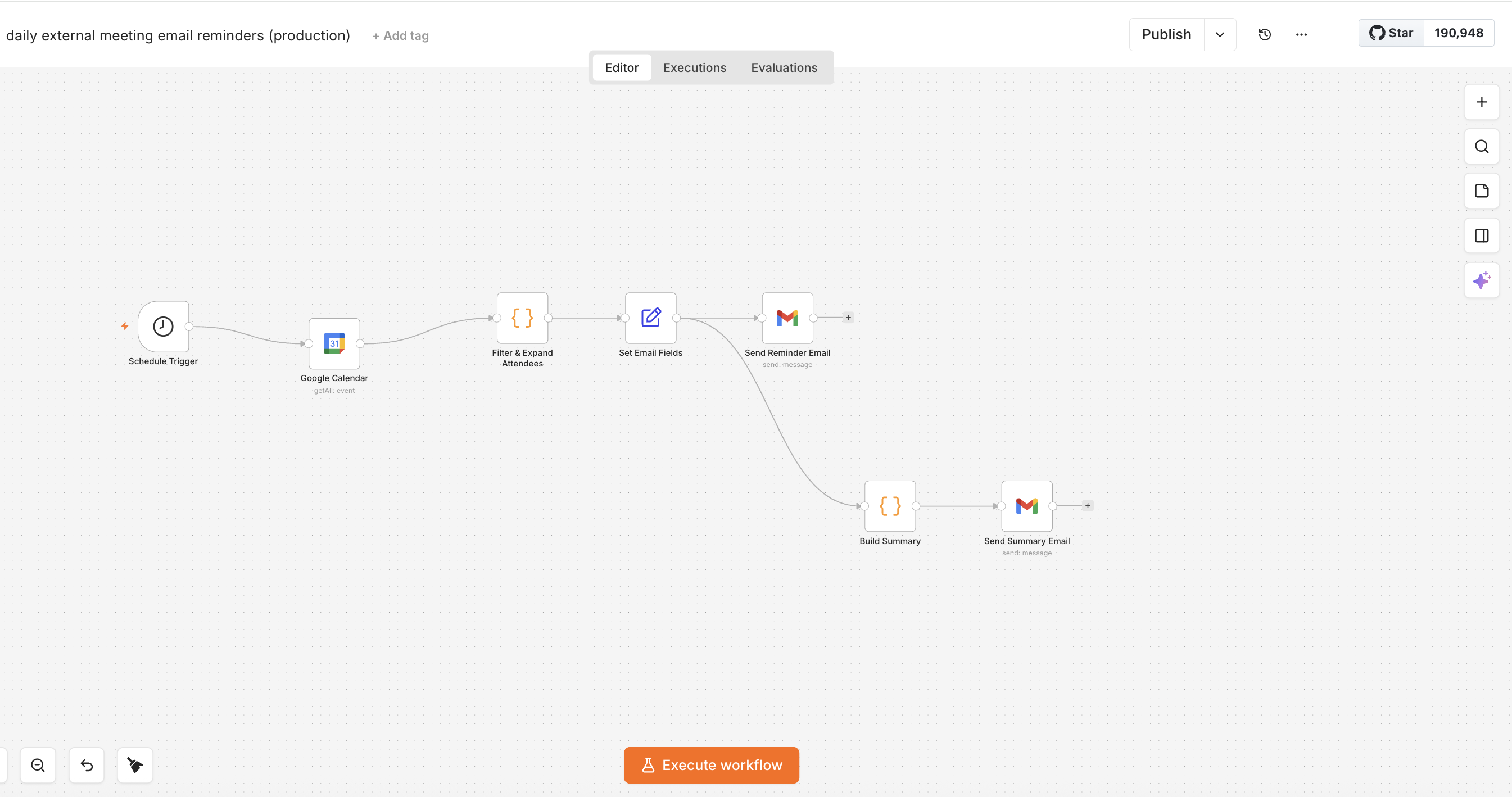
The work turned fragmented relationship management into a repeatable customer-development system. It demonstrates how I use lightweight automation to improve follow-through without losing the context needed for relationship-driven work.
I kept the context of each conversation with its follow-up, so the team could write to the person about the specific reason we had spoken.
Operationally, the system made the team’s follow-up obligations visible. It was easier to see which conversations needed action, which context should shape the next message, and where the pipeline was depending on manual memory.
The broader customer-development effort produced a more centralized pipeline, clearer follow-up discipline, and stronger visibility into which conversations were producing real customer intelligence or pilot signal. The automations supported the operating system behind that work; they should not be read as the sole cause of any commercial outcome.
Customer-development automation is most useful when it preserves relationship context. The goal is not to automate every interaction. It is to make the right follow-up easier to execute at the right time.