Problem
Thoughts were showing up throughout the day, then disappearing into paper notes, scattered context, or memory before I could reuse them.
Product management proof
I built a second brain workflow that turns my thoughts into a searchable, reviewable queue for decisions and action.
Problem
Thoughts were showing up throughout the day, then disappearing into paper notes, scattered context, or memory before I could reuse them.
What I owned
I built a capture-to-action loop: text the thought, classify it, route it into a visible review surface, and convert it into a next step when appropriate.
Result
The system made thoughts easier to find, review, and turn into decisions or action.
The first failure mode was ordinary: I would write something useful on paper, then need it later when the notebook was somewhere else.
Paper was easy at the moment of capture. It was much worse at everything after that. A paper note is hard to search, hard to reuse, easy to lose, and awkward to move into a digital context-management system. Taking a photo helped a little, but it still left me doing the work of finding the note, reading it back, typing it into the right place, and deciding what should happen next.
That mattered because context management is central to agentic work. If my personal agent was going to be useful, it needed a window into the thoughts, tasks, and decisions that would otherwise stay trapped in notebooks or vanish before I acted on them.
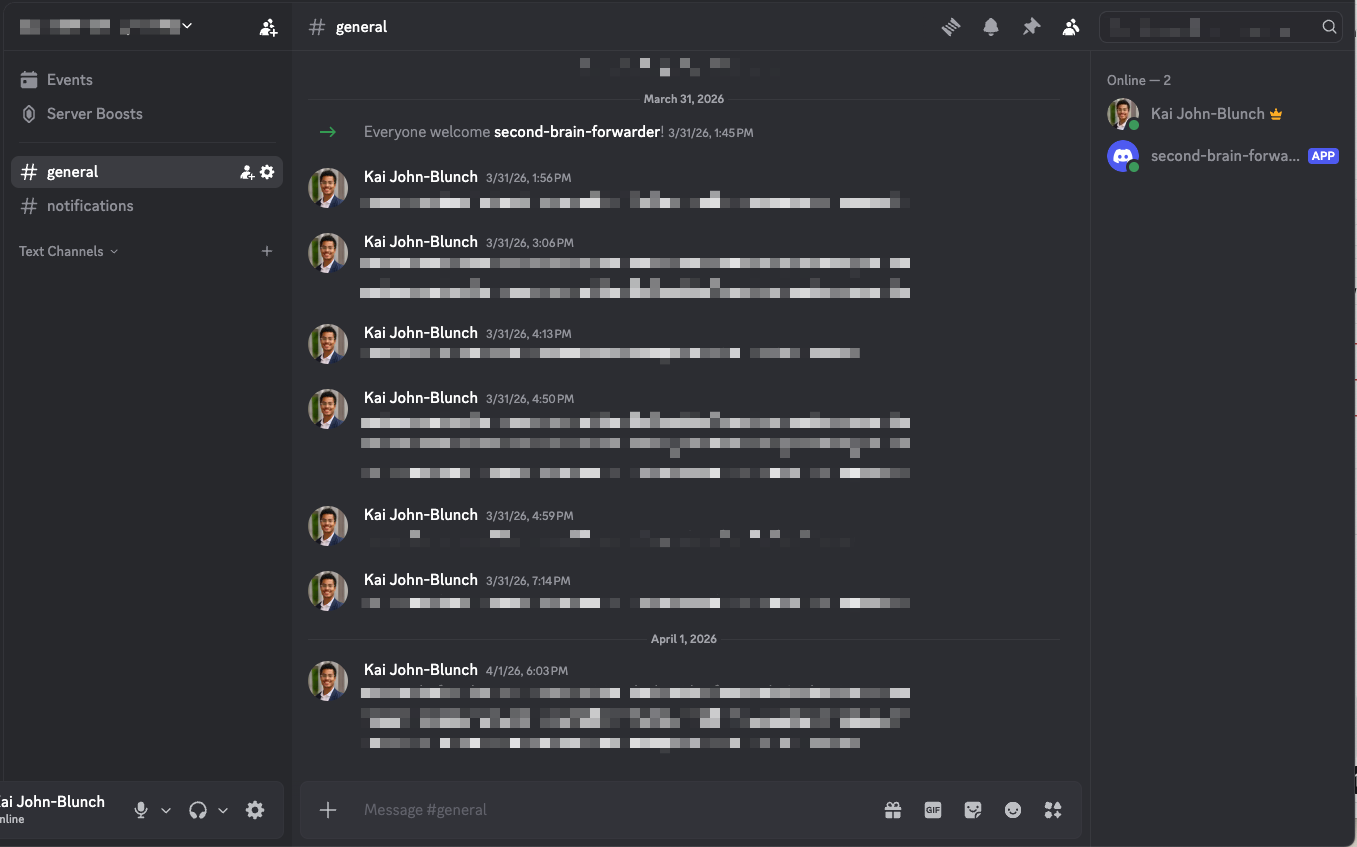
I treated the second brain as a product I would have to use every day. The core loop was simple: capture from my phone, classify the capture, make it visible for review, and decide whether it should become an action.
That made it an AI workflow and system-design problem, not only a productivity problem. The system had to be easy enough to use in the moment and structured enough to support later judgment.
The first version was deliberately rough. I started with the simplest V0 I could think of: capture ideas through a Codex chat and maintain the action list inside the repo. That proved the basic loop, but it also made the next frictions obvious. I needed better visibility, classification, project routing, task creation, due dates, notifications, and a better personal user experience.
I improved the system through repeated use. Once capture worked, I added structure only where the workflow had already exposed friction. That kept the project from turning into a generic productivity system. Each new feature had to make a real decision easier to see, route, or act on.
I owned the full loop: capture surface, classification rules, routing rules, automation path, receipt trail, runbooks, and correction model. That mattered because the system had to preserve judgment instead of just moving data from one tool to another.
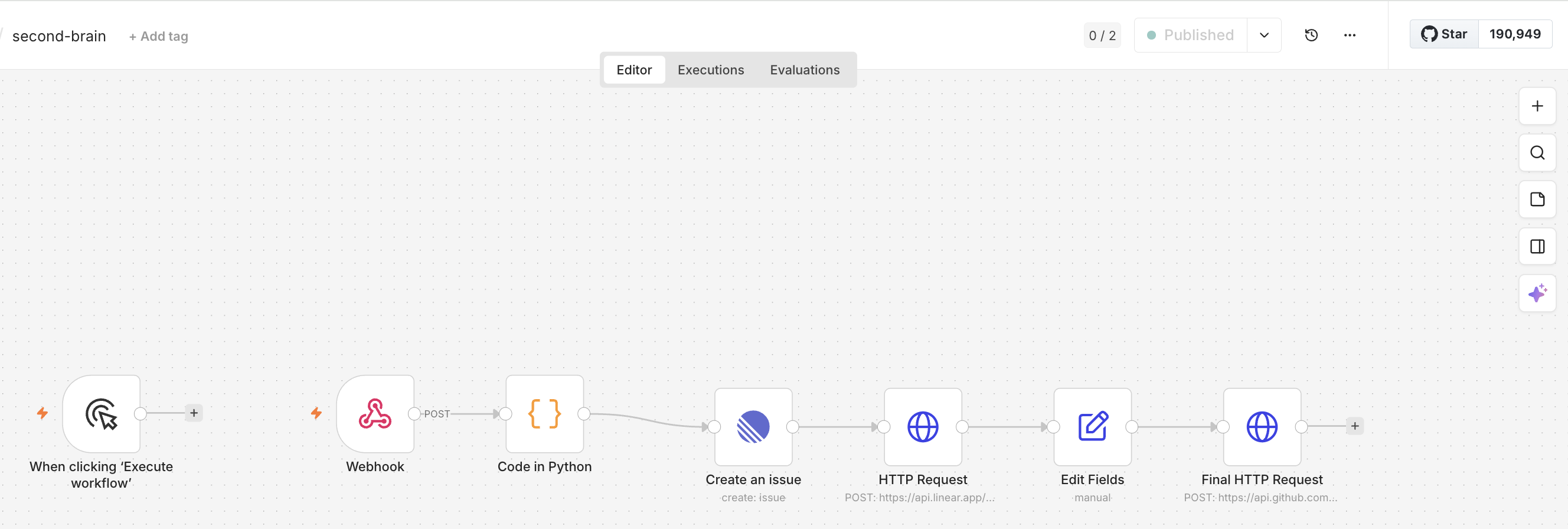
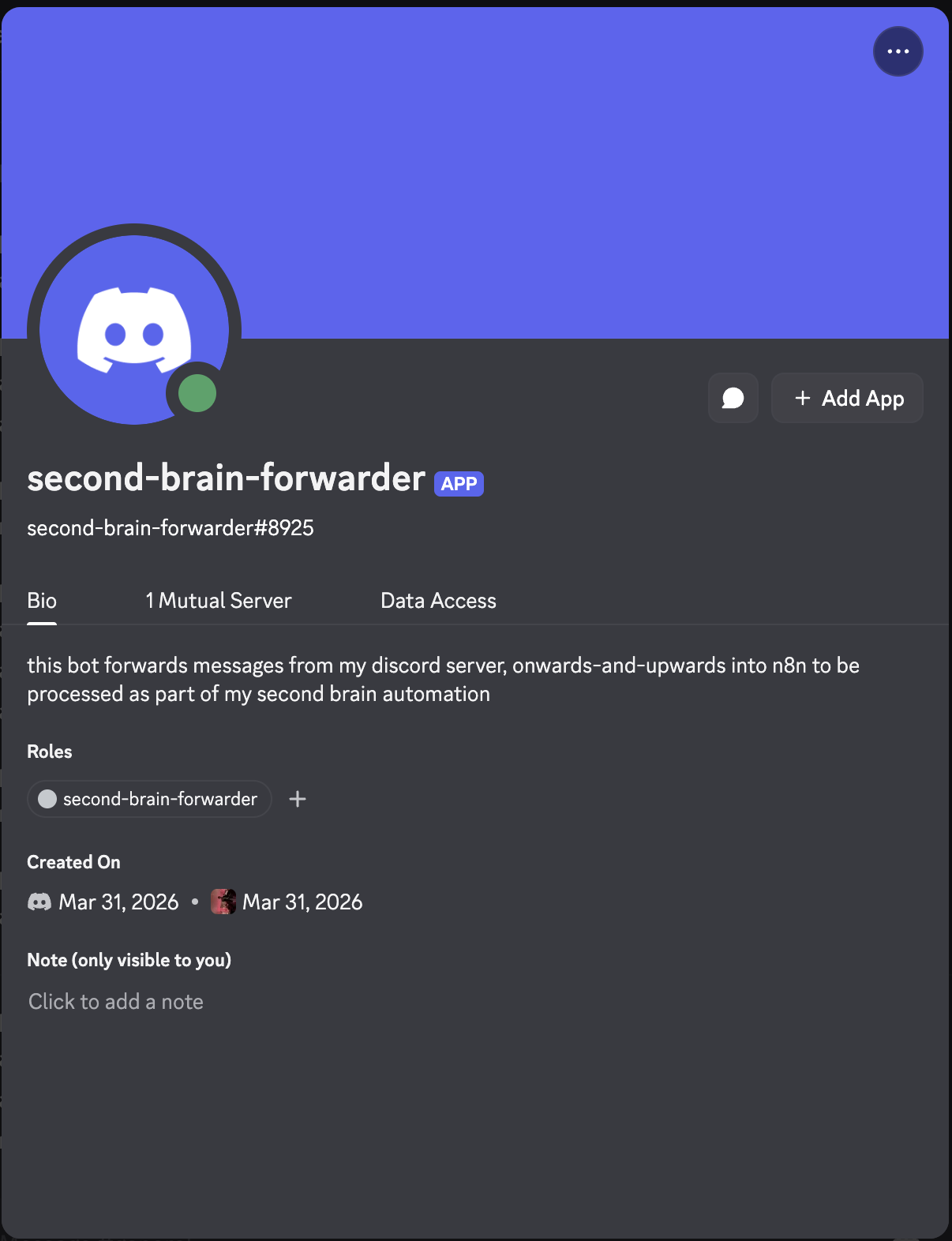
The deployed version accepts lightweight captures through Discord, normalizes and routes them through n8n, creates structured work items in Linear, and appends durable processing receipts through GitHub Actions. A lightweight forwarder hosted on an OCI virtual machine keeps the capture flow available when my laptop is offline.
The system reduces the chance that good thoughts disappear before they can be used. It gives me a live external resource for recall, processing, and decision-making instead of another static archive.
It also demonstrates a practical approach to personal AI workflows. The agent gets usable context, but the system still keeps review visible. That is the tradeoff I cared about: more continuity without hiding the judgment layer.
The first automated operating version is live. Additional memory, correction loop, due-date, and notification capabilities remain under development.
I started with a small working capture loop and used it until the problems were clear. I then added one improvement at a time, based on what made capture or review difficult.
For personal systems, convenience is not a nice-to-have. If capture is not easier than keeping the thought in my head, the workflow will not become part of daily life. If review is not visible, the system will not earn trust.